PageDrop vs HTML Hosting Providers: Which One Should You Use?
I tested every option so you don't have to. Here's what actually makes sense for sharing AI-generated HTML, quick demos, and one-off creations.
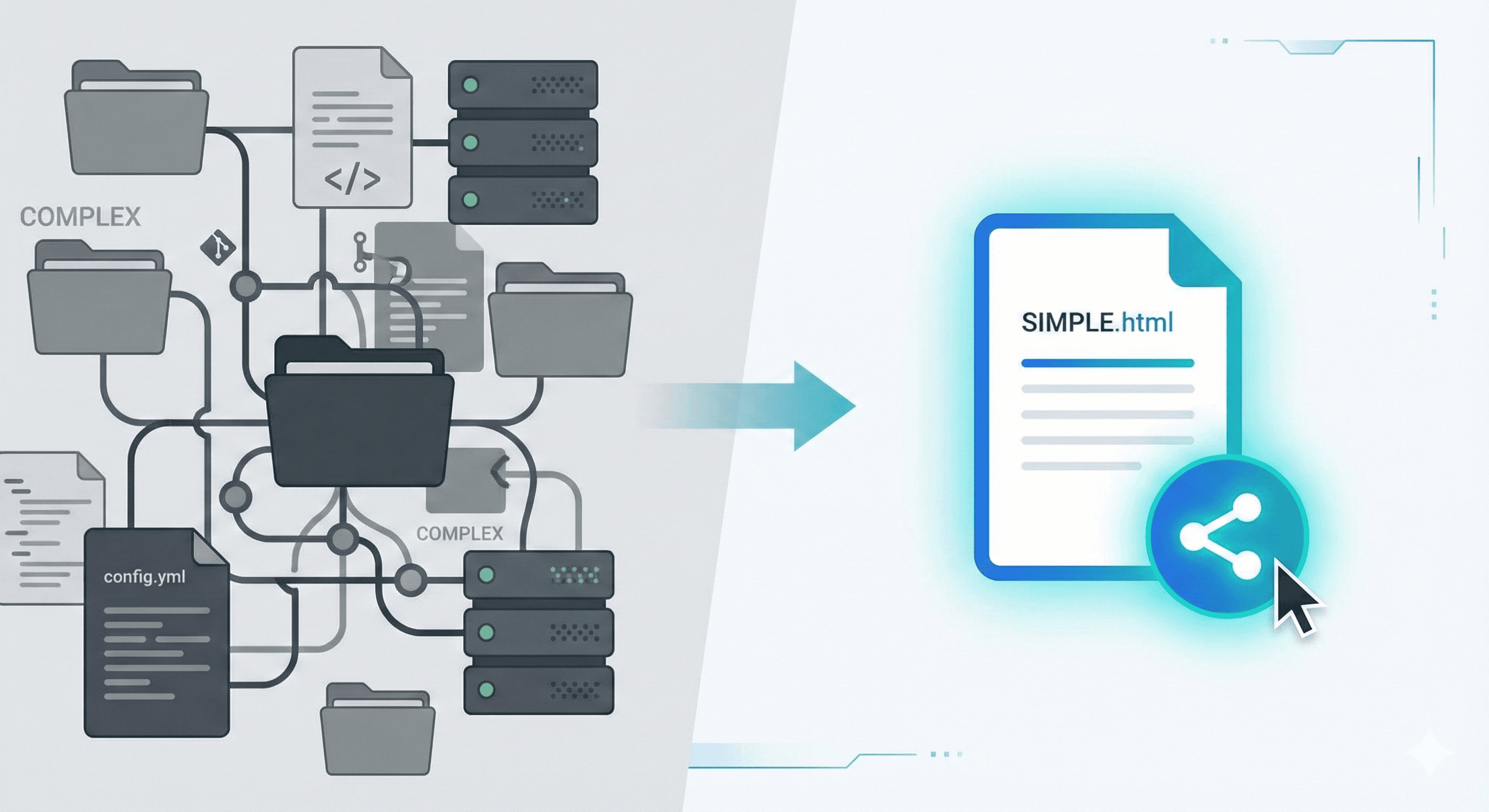
Here's a problem I kept running into: I'd ask Claude to build me a quick landing page or a calculator, and it would spit out this beautiful single HTML file. Everything inline, ready to go. But then... where do I put it?
I'd stare at Vercel's dashboard thinking "do I really need to create a Git repo for 200 lines of HTML?" The answer was always no. But I did it anyway, because what else was there?
And I'm a developer. I know Git. Imagine being a marketer, a teacher, or a small business owner who just discovered that ChatGPT can build them a website. They can write a prompt. They can copy and paste. But "initialize a repository"? "Push to remote"? That's a different language entirely.
That gap is actually why PageDrop exists. But I'm getting ahead of myself. Let me walk through what I learned testing every major option out there: Vercel, Netlify, GitHub Pages, Tiiny.host, CodePen, JSFiddle, and Glitch. Fair warning: I have opinions.
Quick Comparison
| Feature | PageDrop | Vercel | Netlify | GitHub Pages | Tiiny |
|---|---|---|---|---|---|
| Signup Required | |||||
| Single-File Upload | |||||
| Multi-File Projects | Limited | ||||
| Setup Time | <1 min | 5 min | 2 min | 5 min | <1 min |
| Auto-Expiration | Unclear | ||||
| Content Moderation | |||||
| Community Gallery | |||||
| Backend/Functions | |||||
| Best For | Rapid prototyping, A/B tests | Full-stack apps | Marketing sites | Docs, portfolios | Quick sharing |
Why This Comparison Even Matters
Traditional hosting assumes you're a developer with a project folder, a build step, and a Git workflow. That made sense for years. Then AI happened.
When ChatGPT or Claude generates a web page, it gives you one file. Everything's inline: the CSS in a <style> tag, the JavaScript in a <script> block. Open it in a browser and it just works. This isn't lazy design. It's practical. AI tools know you want something you can immediately test.
But sharing that file? That's where things get awkward. You can't just email an HTML file and expect someone to open it. (Try it. Most people won't.) You need a URL.
And that's the gap. Traditional platforms give you CI/CD pipelines and serverless functions when all you wanted was a link. It's like renting a warehouse to store a backpack. And if you don't know what CI/CD means, you're exactly the person these platforms weren't built for.
PageDrop: The Tool I Wished Existed
Full disclosure: I built PageDrop. So take this section with appropriate skepticism. But let me explain what it actually does.
You paste HTML. You get a link. That's it.
No account. No Git. No "connect your repository." The entire thing takes maybe 30 seconds if you're slow at copy-pasting.
Here's the thing I found interesting while building it: most AI-generated pages don't need to live forever. You share a demo with a client, they say "love it" or "change the colors," and you move on. Having that content sitting on a random subdomain for eternity felt wrong. So PageDrop content expires. Free tier gives you up to 14 days (longer if you post publicly and get likes). Need more time? Paid extensions go up to a full year.
But here's a use case I didn't anticipate: rapid prototyping with A/B testing. Or A/B/C/D/E testing. Whatever. Since there's no account friction, you can spin up five different landing page variations in ten minutes. Each gets its own URL, its own view count, its own likes. Send them to different audience segments and see which one actually resonates. It's scrappy user testing without the enterprise price tag.
There's also an Explore page where people browse what others have made. If something gets likes, it sticks around longer. The view counts and engagement give you real signal on what's working.
What PageDrop doesn't do: multi-file projects. If you need separate CSS files, JavaScript modules, or images, you'll need to inline them or use something else. That's a real limitation. I chose it deliberately, but it's still a limitation.
Vercel: When You're Actually Building Something
Vercel is genuinely excellent. I use it for real projects. It's the company behind Next.js, and their deployment experience is the best in the industry. Push to GitHub, site deploys. Magic.
The thing I love most: preview deployments. Every pull request gets its own URL. You can share it with teammates, get feedback, merge when ready. For actual development workflows, this is invaluable.
Free tier gives you a million edge requests per month. I've never come close to hitting that on personal projects. Serverless functions work without you thinking about them. Need an API? Just drop a file in the right folder.
But here's my honest take: Vercel is overkill for AI-generated HTML. You don't need a Git repository for 150 lines of code Claude wrote in 10 seconds. You don't need preview deployments when there's nothing to preview against. It's like driving your car to the mailbox.
Use Vercel when you're building something real. When you'll iterate on it. When you need CI/CD. When you have a team. For everything else, it's too much.
Netlify: The Other Big Player
Netlify does mostly the same things as Vercel. Git-based deployments, preview URLs, global CDN. They pioneered the Jamstack thing before Vercel was cool.
The feature I genuinely wish more platforms copied: built-in form handling. Adddata-netlify="true" to your form tag and submissions just... work. No backend needed. For landing pages and marketing sites, this is legitimately great.
One thing that tripped me up: the credit system. Netlify moved to usage-based pricing with "credits" and I still don't fully understand it. Different operations cost different amounts. I've never been charged unexpectedly, but I've also been paranoid about it. Your mileage may vary.
Same verdict as Vercel: fantastic for real projects, overkill for quick sharing. If you're deciding between Netlify and Vercel for a production site, flip a coin. They're both good. If you're trying to share something Claude made you, use neither.
GitHub Pages: The Old Reliable
GitHub Pages has been around forever. It's free, it works, and every developer has used it at some point.
The setup: create a repo named username.github.io, push HTML, done. For project docs, enable Pages in settings and point it at your /docs folder. Jekyll support means you can write Markdown and it becomes a website.
I still use GitHub Pages for documentation. It's the obvious choice when your code is already on GitHub. Version control built-in. Free HTTPS. Custom domains work fine.
But for quick sharing? Come on. Creating a Git repository to share something temporary is absurd. You'll have ghost repos cluttering your profile forever. I've got dozens of demo-thing-for-client-2019 repos I'll never delete because I forgot they exist.
GitHub Pages is for permanent content. Documentation, portfolios, project sites. Things that should exist as long as the project does. For ephemeral stuff, look elsewhere.
Tiiny.host: Similar Idea, Different Approach
Tiiny.host is the closest thing to PageDrop I've found. Upload a file, get a link. No account required. I respect the simplicity.
The main differences: Tiiny has no community gallery (upload and forget), no content moderation (you're trusting whatever's on the other end of that link), and the expiration policy is... unclear? I couldn't find definitive documentation on how long things last.
I'm obviously biased here, so take this with salt. Tiiny.host works. If you're choosing between them and PageDrop, try both. They're both free. See which one fits your brain better.
CodePen and JSFiddle: Different Problem Entirely
CodePen and JSFiddle are solving a different problem. They're code playgrounds, not hosting platforms.
The format is split panels: HTML here, CSS there, JavaScript in the corner, live preview at the bottom. Great for teaching CSS tricks. Great for Stack Overflow answers. Great for debugging why your flexbox isn't flexing.
CodePen's community is genuinely impressive. I've lost hours browsing what people make there. The creativity is wild. But it's designed for showing code, not hiding it.
Here's my issue: when Claude gives me a complete HTML file, I don't want to split it into three panels. I want to share the result, not the source. If someone wants to see how it works, they can view source. But most people just want to see the thing.
Use CodePen and JSFiddle for what they're built for: demonstrating code, learning, collaborating on snippets. Use something else when you want to share a finished page.
Glitch: The Weird One (Affectionately)
Glitch is genuinely different from everything else here. It gives you a full Node.js server in your browser. Real backend. Real databases. Actual server-side code running somewhere.
The vibe is playful in a way most dev tools aren't. The editor has fish swimming across it. Projects have fun names. There's a remix culture where people fork and modify each other's work constantly.
I've used Glitch for prototyping APIs and for teaching. The zero-setup aspect is real. Click a button, you have a running server. No local environment needed.
The catch: free projects sleep after 5 minutes of inactivity. First request wakes them up, but there's a delay. Also 512MB RAM limit. These are fine for learning, annoying for anything resembling production.
For static HTML? Complete overkill. Glitch is for when you need backend logic. If you're just sharing what Claude made, you don't need a Node server.
So What Should You Actually Use?
Let me make this simple:
Quick demo or rapid prototyping? PageDrop. Spin up multiple variations, track views and likes, see what resonates. No account, free for up to 14 days.
Building a real app you'll iterate on for months? Vercel or Netlify. Git integration, preview deploys, all the good stuff.
Need permanent docs for your open source project? GitHub Pages. Free, integrated with your repo, version controlled.
Want to demonstrate a CSS technique or debug something? CodePen or JSFiddle. Split panels, live preview, sharing-friendly.
Need actual backend code running? Glitch. Full Node environment, playful vibe, great for prototypes.
The real insight: these aren't competitors. They're different tools for different jobs. The mistake is trying to use your hammer for everything. Vercel is fantastic, but creating a Git repo to share a one-off AI creation is silly. GitHub Pages is free forever, but "forever" isn't what you want for temporary demos.
AI changed who can build websites. A teacher can now create an interactive lesson. A realtor can spin up a property showcase. A restaurant owner can have a menu page. They don't need to learn Git. They just need to copy, paste, and share.
That's the gap PageDrop fills. Not replacing Vercel. Just making the web accessible to people who can prompt but can't push.
Got some HTML you need to share? Try PageDrop. Takes 30 seconds. No account needed. If it doesn't work for you, you've lost nothing.